Quick Fix for a TV Screen That’s Black but Still On
Updated for 2026 to reflect current UK emergency call-out pricing and insurance changes.
1. Introduction
A TV screen going black while the power is still on is a common and highly frustrating issue. Fortunately, it can often be resolved without a professional. This problem is usually caused by HDMI connection errors, incorrect brightness settings, input source mix-ups, or minor hardware glitches. Most of these fixes take just 5 to 15 minutes to complete.
What you’ll need: Your TV remote control, and possibly a spare HDMI cable. If these quick fixes don’t work, it may be time to call a professional.
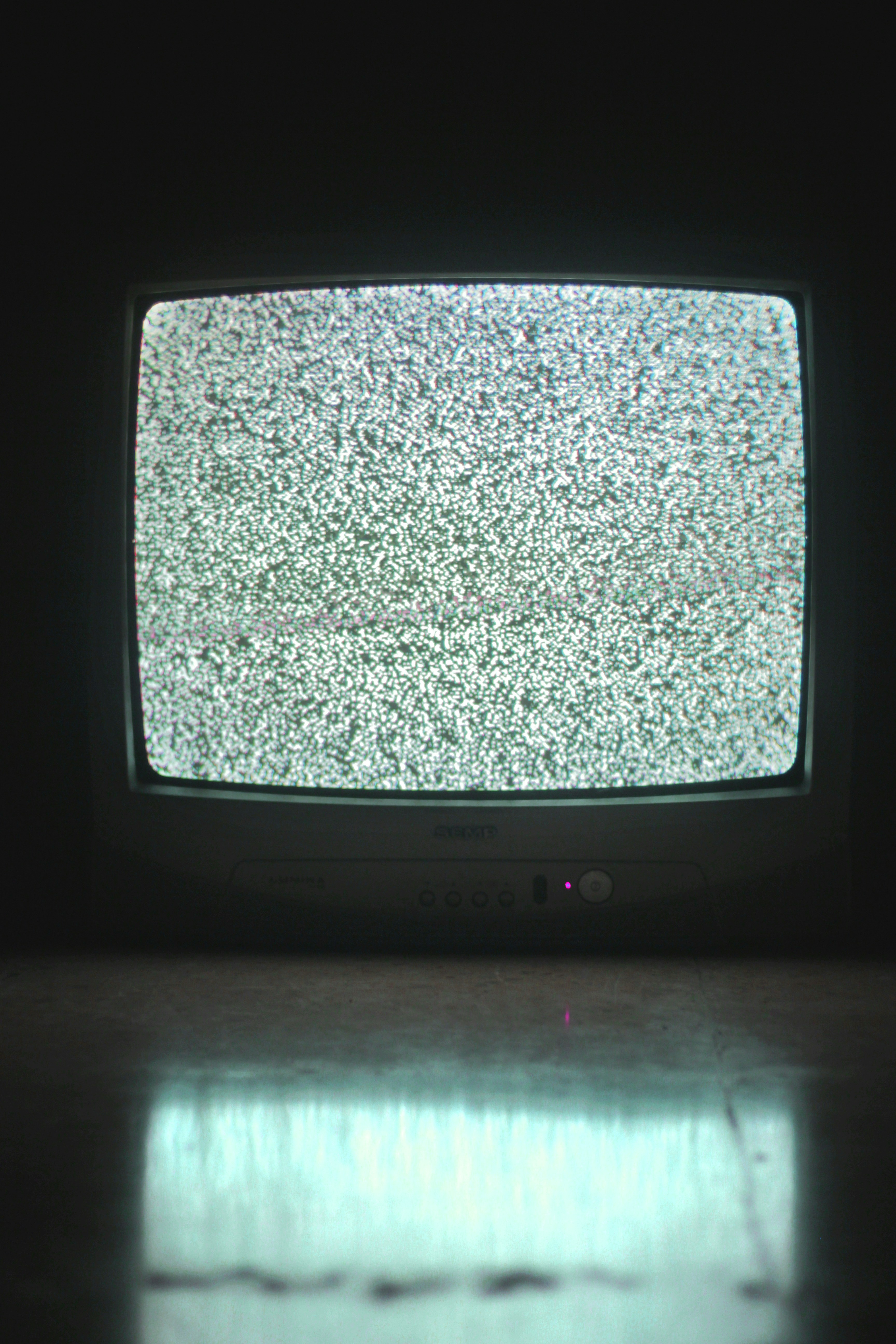
A TV with a black screen but power indicator light on is usually fixable with simple troubleshooting.
2. Quick Diagnosis
Before diving into the fixes, let’s diagnose the exact state of your TV:
- Check if the TV power light is steadily on (not blinking or off).
- Listen closely for any sound coming from the speakers.
- Check if the TV has entered a sleep or standby mode.
- Look for any faint error messages or blinking diagnostic lights.
- Try pressing the menu or volume buttons on your remote to see if any graphics overlay appears.
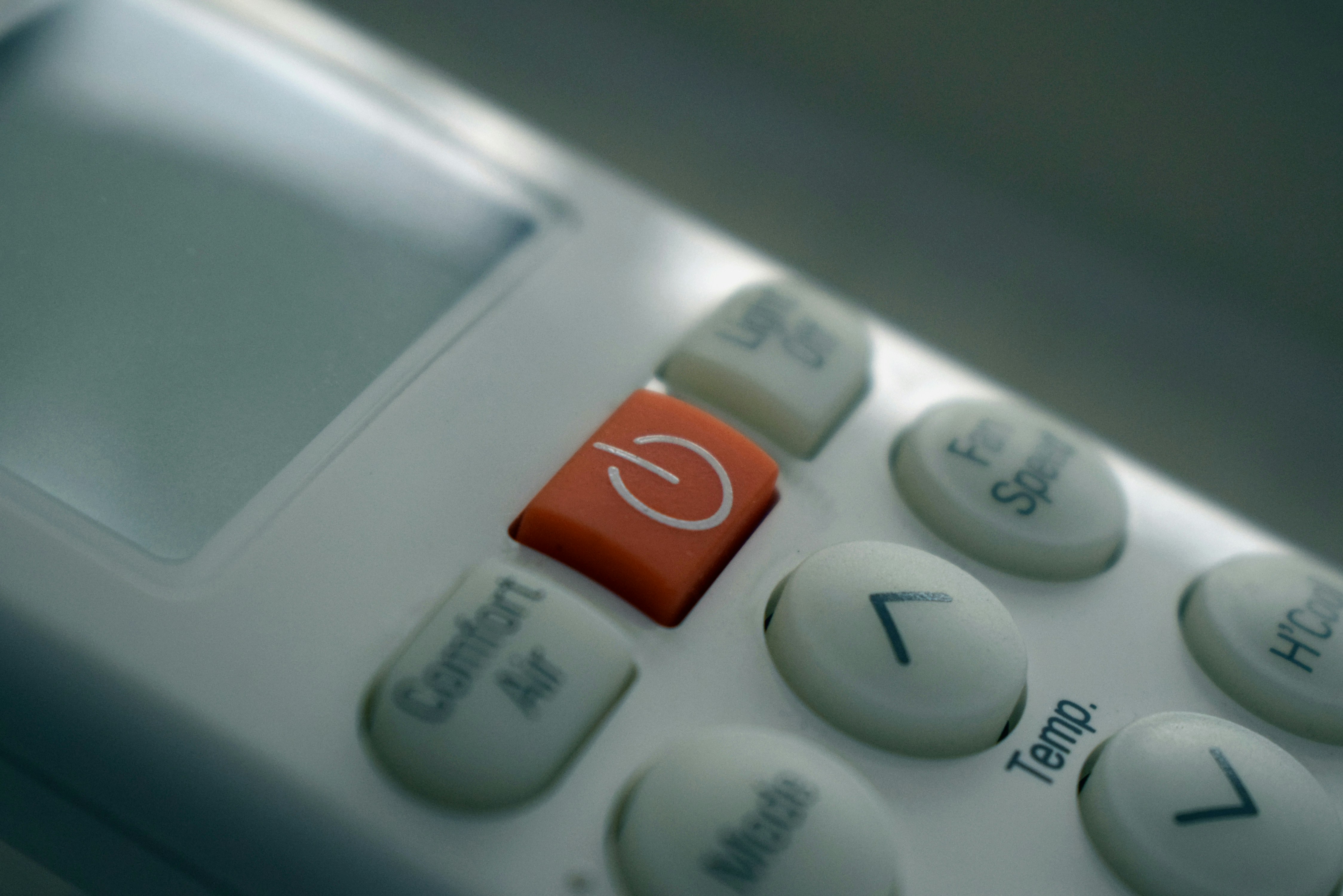
Check your remote control to diagnose the issue.
3. Step-by-Step Fix
- Check power cable connection: Ensure the power cable is firmly connected to both the TV and the wall. Try unplugging it completely for 30 seconds, then plugging it back in.
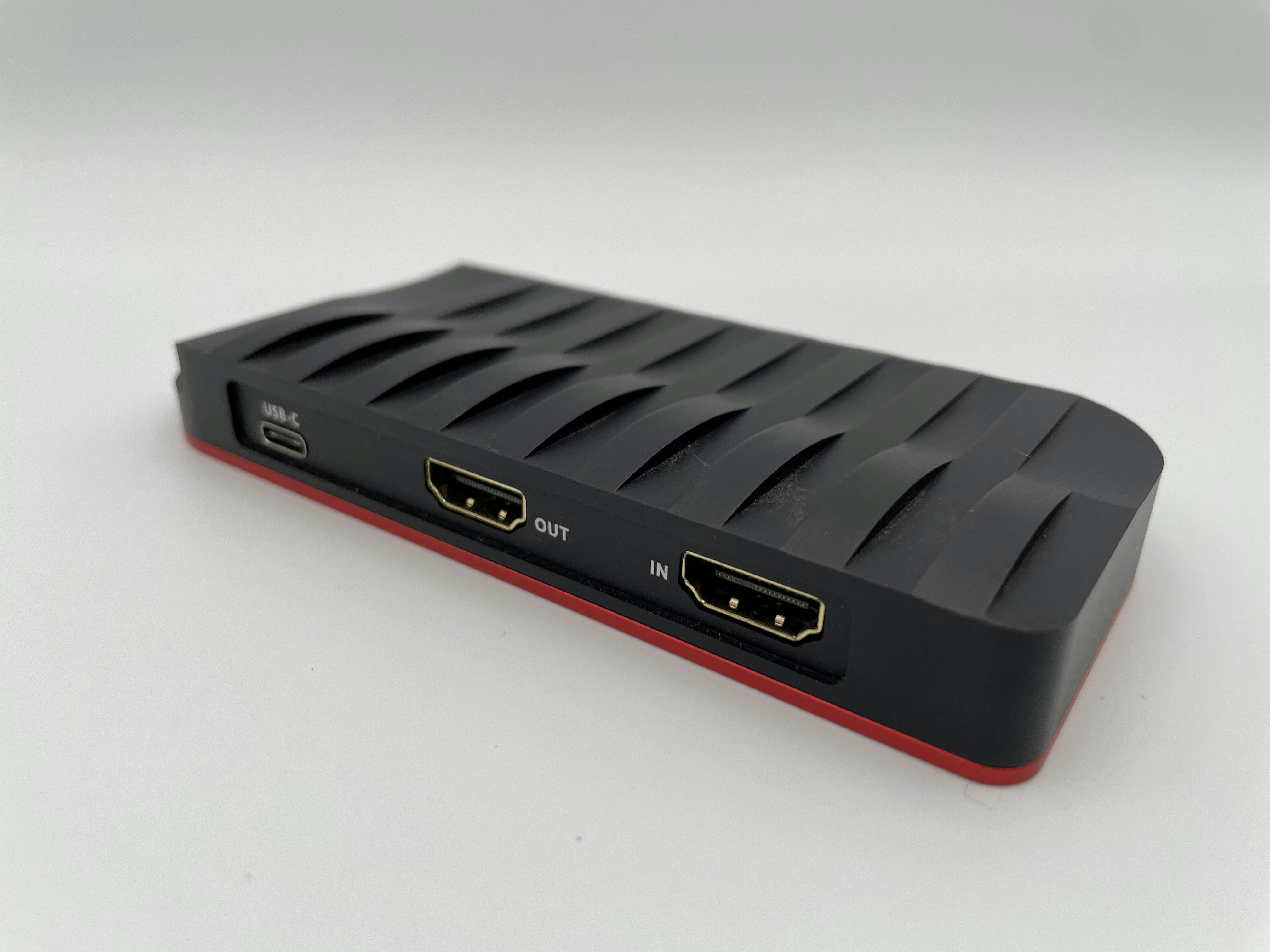
- Check HDMI cable connection: Ensure the HDMI cable is securely plugged in. If possible, try a different HDMI port on the back of the TV.
- Check input source: Press the Input or Source button on your remote and cycle through until you select the correct HDMI input for your active device.
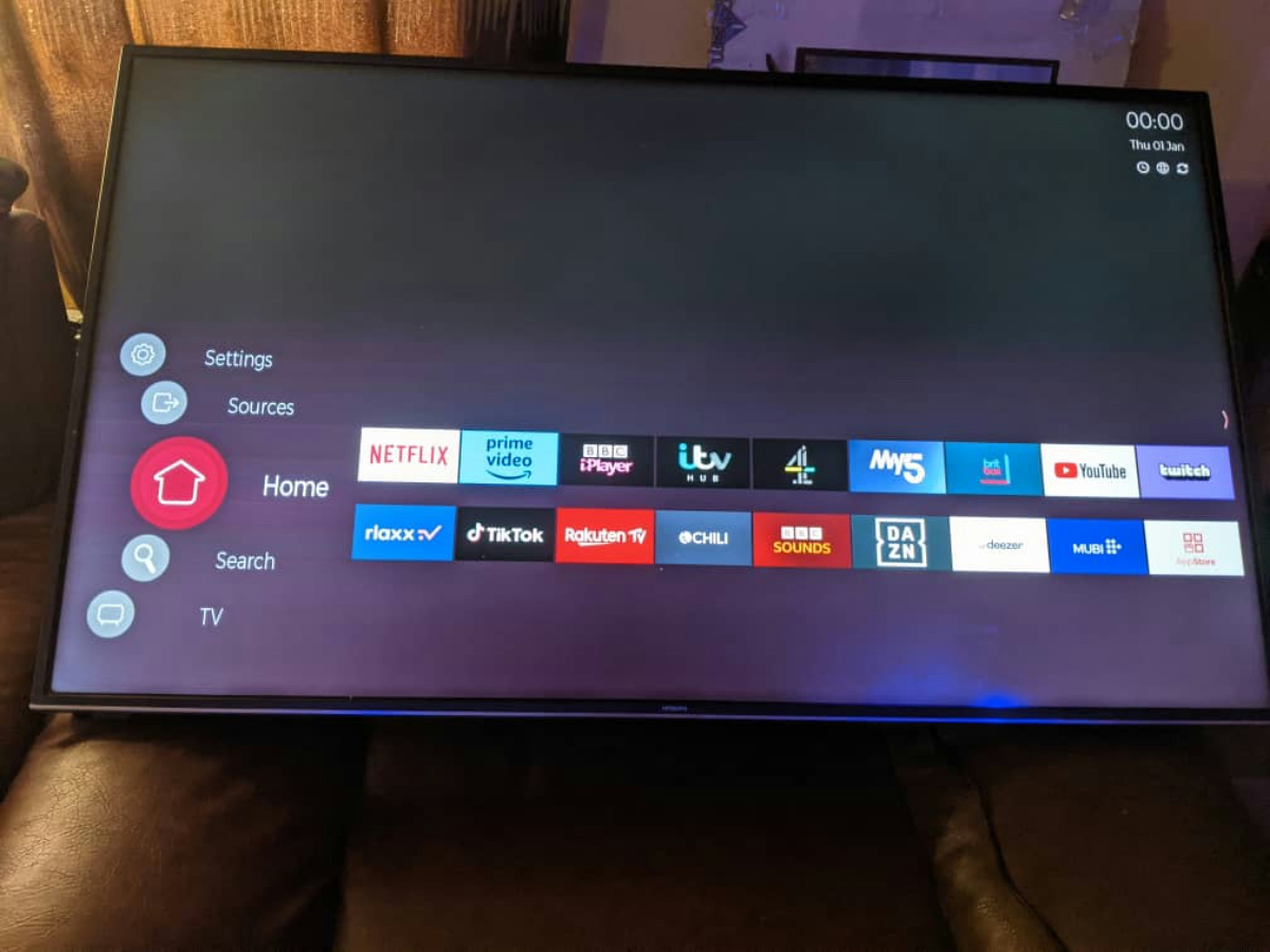
- Adjust brightness and contrast: Press the Menu button. If the menu appears, navigate to Picture settings and increase the brightness and contrast to maximum to see if the picture returns.
- Restart the TV: Perform a hard reset by unplugging the TV from the wall for 30 seconds, plugging it back in, and turning it on again.
- Check for firmware updates: If you can see the menus, go to the TV’s system settings and look for a Software or Firmware Update option. Run it if available.
- Try a different device: Connect a completely different device (like a game console or laptop) to see if the picture appears. This rules out a faulty source device.
4. Troubleshooting
- Still no picture after all steps: This points to a failed backlight or mainboard. Shine a flashlight closely at the screen; if you see a faint image, the backlight is dead.
- Picture appears briefly then goes black: This usually indicates failing capacitors on the power board or a faulty HDMI handshake.
- Sound works but no picture: Almost certainly a display panel or backlight hardware failure if menus also do not appear.
- TV won’t turn on at all: Check the wall socket with another device. If the socket works, the TV’s internal power supply has likely blown.
5. Prevention Tips
- Keep HDMI cables in good condition; do not bend or pinch them tightly against the wall.
- Always use a high-quality surge protector to prevent electrical damage during storms.
- Keep your TV’s firmware updated automatically if the option exists.
- Avoid exposing the TV to extreme temperatures or direct, intense sunlight.
- Clean the TV vents regularly with a soft brush to prevent overheating.
6. When to Call a Professional
If you have tried all the steps above and the screen remains black, it is time to call a professional appliance repair technician. Attempting to open the TV chassis yourself can be dangerous due to high-voltage capacitors. A professional repair (such as replacing a backlight or power board) typically costs between £80 and £200+, depending on the TV size and brand. If your TV is older, weigh this cost against buying a replacement. Check our repair cost guides for more detailed estimates.
7. FAQ
Q1: Why does my TV screen go black but still have power?
This happens when the TV receives power but fails to process the video signal, either due to a bad cable, wrong input, or a failed internal backlight.
Q2: How do I know if it’s a hardware problem?
If you cannot even see the TV’s built-in settings menu when pressing the Menu button on the remote, it is a hardware problem.
Q3: Can I fix this without calling a technician?
Yes, if the issue is a loose cable, incorrect setting, or a software glitch that can be fixed with a hard reset.
Q4: How much does TV repair cost?
Professional TV repairs generally range from £80 to £200+, depending on the specific part that failed.
Q5: Is it safe to unplug my TV?
Yes, completely unplugging the TV from the wall socket is perfectly safe and is the best way to perform a hard reset.
Q6: What if only one HDMI port works?
If only one port works, the other ports on the TV’s mainboard have likely shorted out. You can use an HDMI switcher to expand that single working port.
Q7: Should I update my TV firmware?
Yes, keeping firmware updated fixes known bugs and improves compatibility with newer HDMI devices.
Q8: Can a bad HDMI cable cause a black screen?
Absolutely. A damaged HDMI cable can fail to transmit the video signal entirely, resulting in a black screen.